
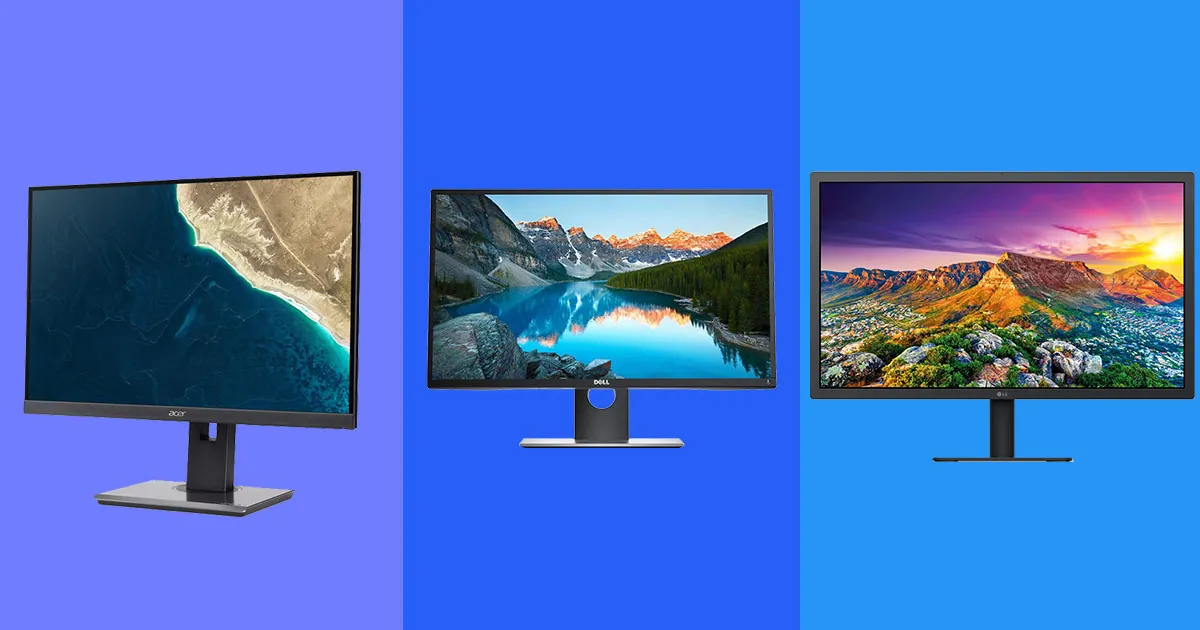
Choosing the right monitor can significantly enhance your productivity, gaming experience, and creative endeavors. With various options available, understanding what features to prioritize can help you make the best decision. Here’s a guide to selecting the best monitors tailored to your specific needs.
For Work: Productivity and Multitasking
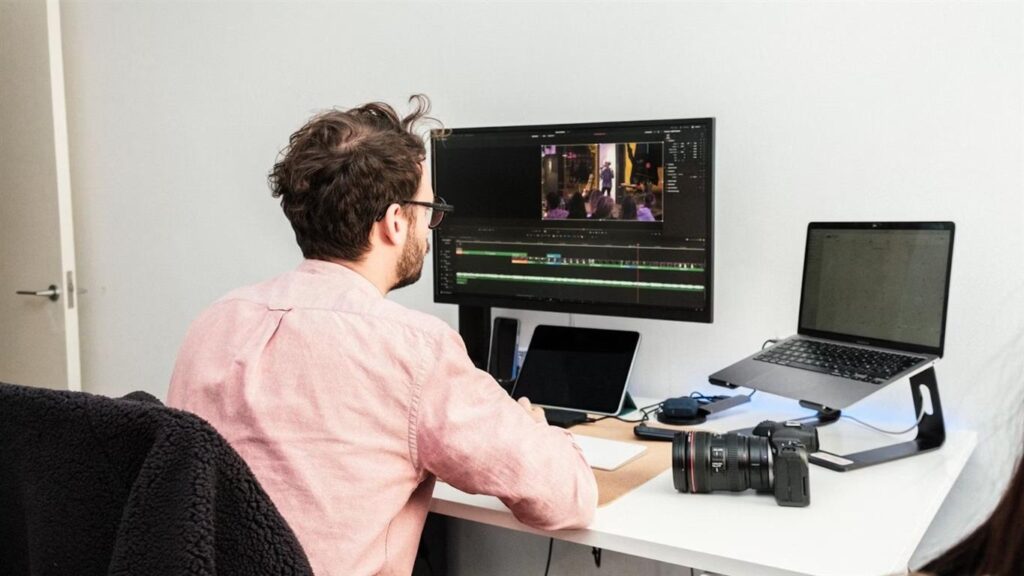
Features to Look For
- Screen Size and Resolution: Larger screens with higher resolutions, such as 4K, are ideal for multitasking and displaying multiple windows.
- Ergonomic Design: Adjustable stands for height, tilt, and swivel improve comfort during long work hours.
- Panel Type: IPS panels offer excellent color accuracy and wide viewing angles, making them suitable for office tasks.
Recommended Monitors
- Ultra-Wide Monitors: Great for spreadsheets, coding, or multitasking without the need for multiple screens.
- Dual-Monitor Setups: A combination of two standard monitors can be a cost-effective solution for boosting productivity.
For Gaming: Immersion and Performance
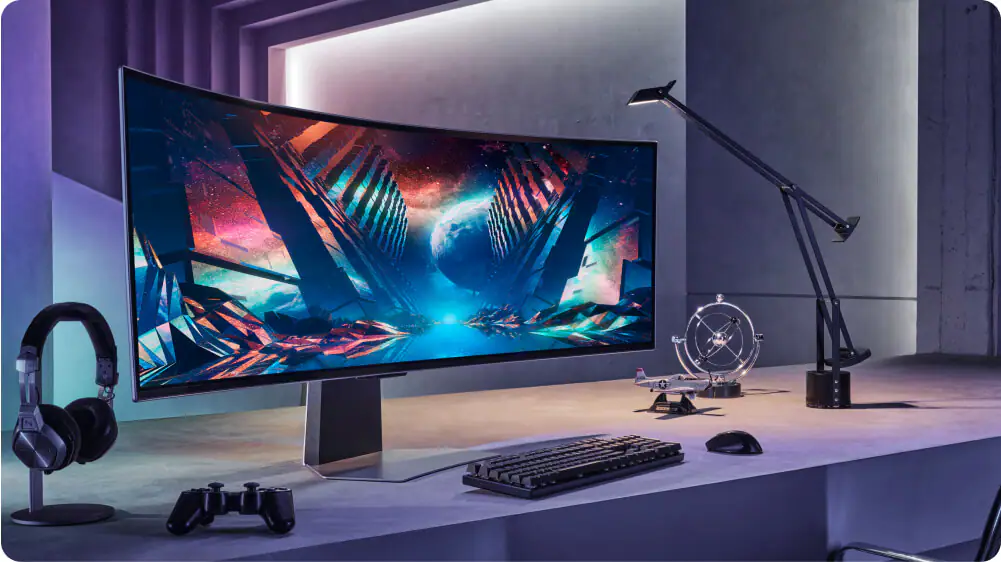
Features to Look For
- Refresh Rate: A high refresh rate (120Hz or higher) ensures smooth visuals, especially in fast-paced games.
- Response Time: Look for monitors with a response time of 1ms to reduce motion blur.
- Adaptive Sync Technology: G-Sync or FreeSync minimizes screen tearing for a seamless gaming experience.
Recommended Monitors
- Curved Displays: Provide a more immersive experience by wrapping the visuals around your field of view.
- HDR Support: Enhances colors and contrast, making games look more realistic.
For Creative Tasks: Precision and Clarity
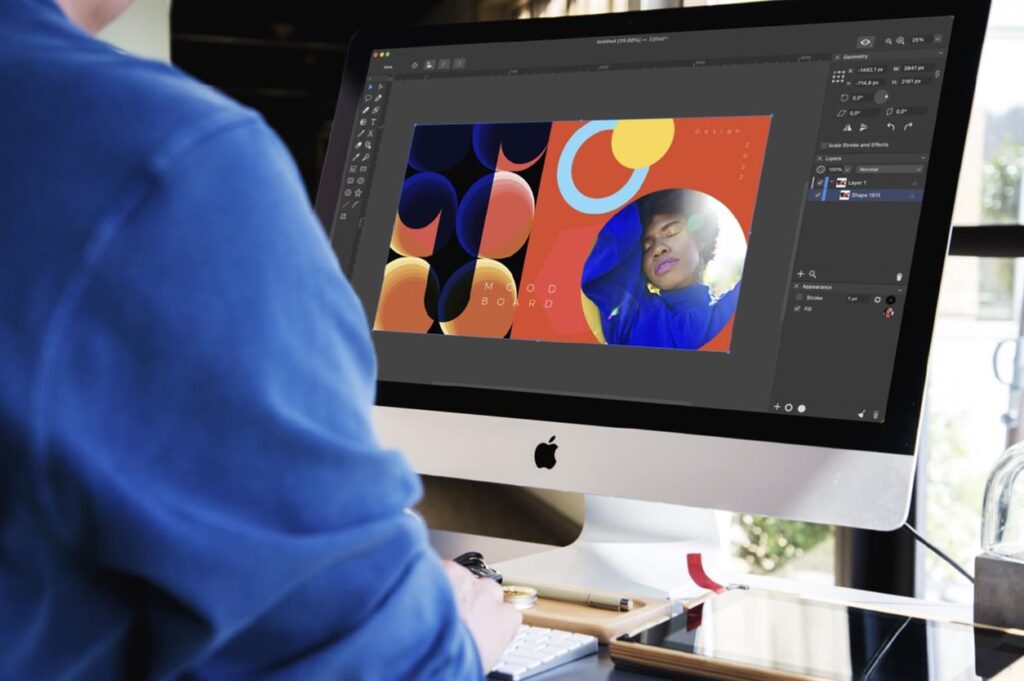
Features to Look For
- Color Accuracy: Monitors with high color gamut coverage (e.g., AdobeRGB or DCI-P3) are essential for photo and video editing.
- Resolution: 4K or higher resolutions provide the clarity needed for detailed creative work.
- Connectivity: Ensure the monitor supports multiple input options, such as HDMI and USB-C, for various creative devices.
Recommended Monitors
- Professional Monitors: Designed for tasks like video editing and graphic design, offering superior color calibration.
- Touchscreen Displays: Useful for illustrators and designers for hands-on interaction.
Conclusion
Whether you’re working, gaming, or creating, the right monitor can make all the difference. Assess your needs and prioritize the features that matter most to you. Investing in the right display not only improves performance but also enhances your overall experience.